01 · DIRECT CAMERA SYNC
Seamless Recipe Sync
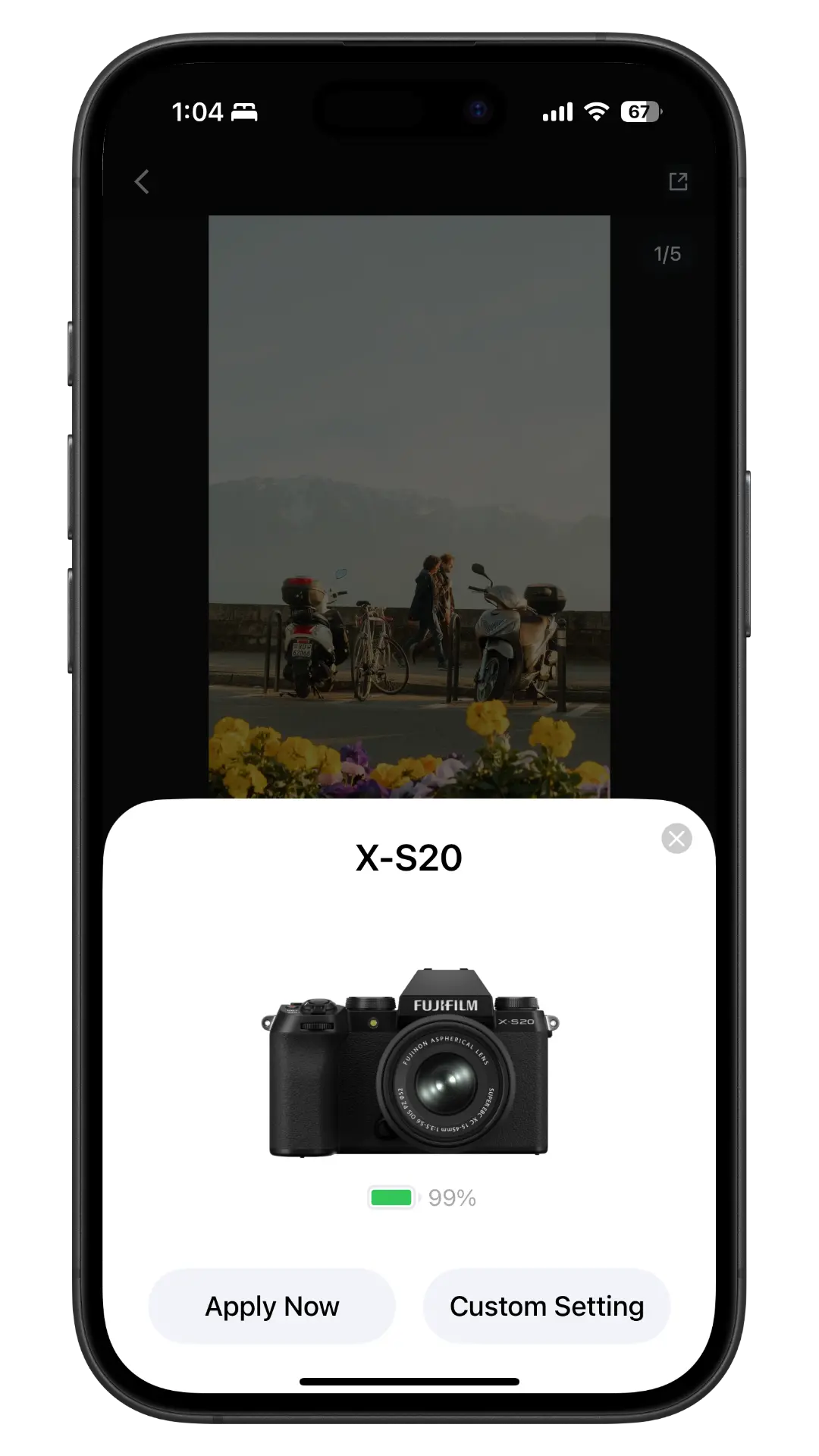
Instantly recognize your fujifilm camera model and import recipes directly to camera settings. Ready to shoot immediately.
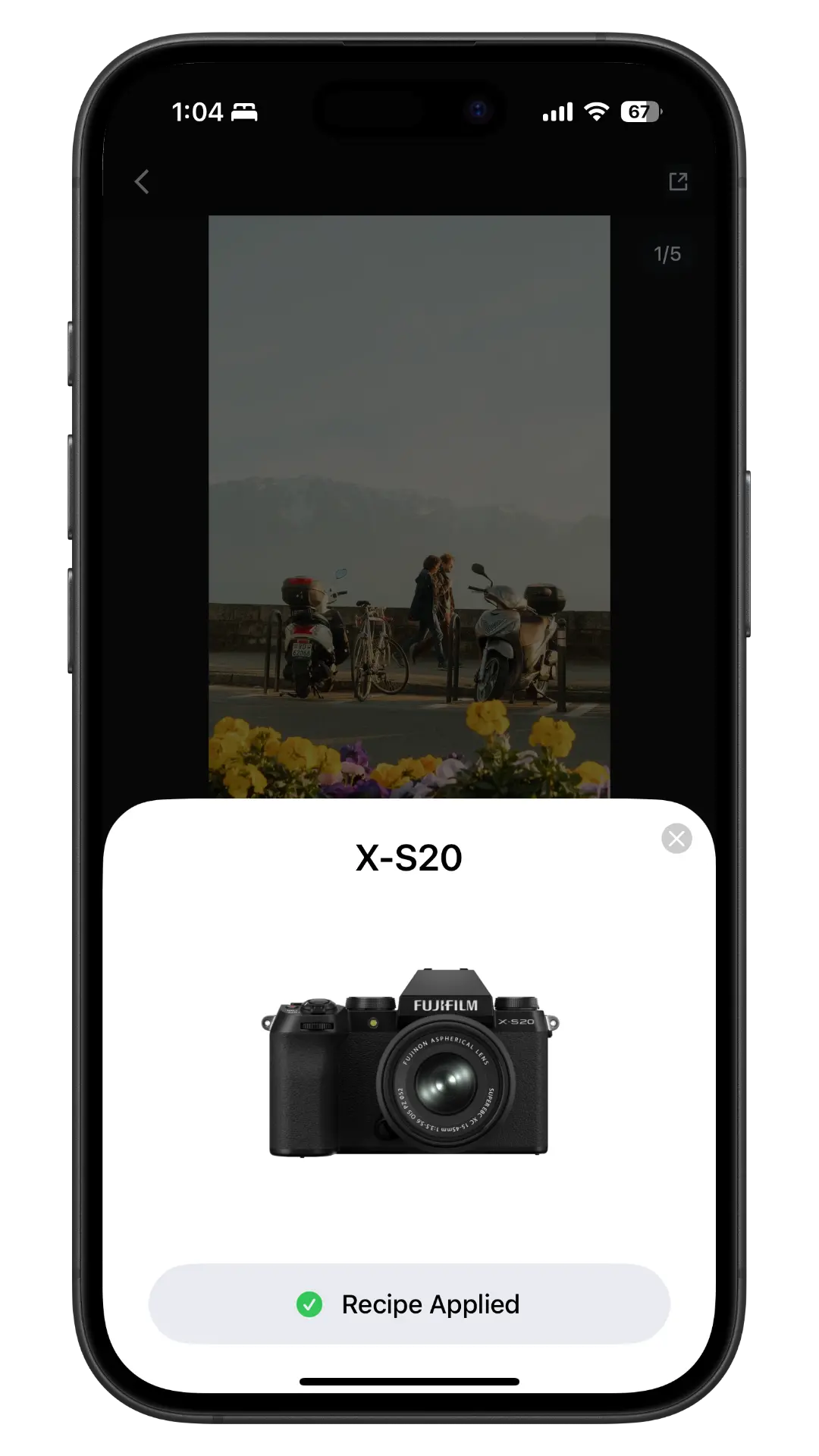
Save unlimited Fujifilm recipes and import film simulations to X100VI, X-T5, X-S20, X-H2, X-Pro3 and 50+ cameras. Explore 3,000+ color recipes from the world's largest Fujifilm recipe community.
02 / CORE WORKFLOW
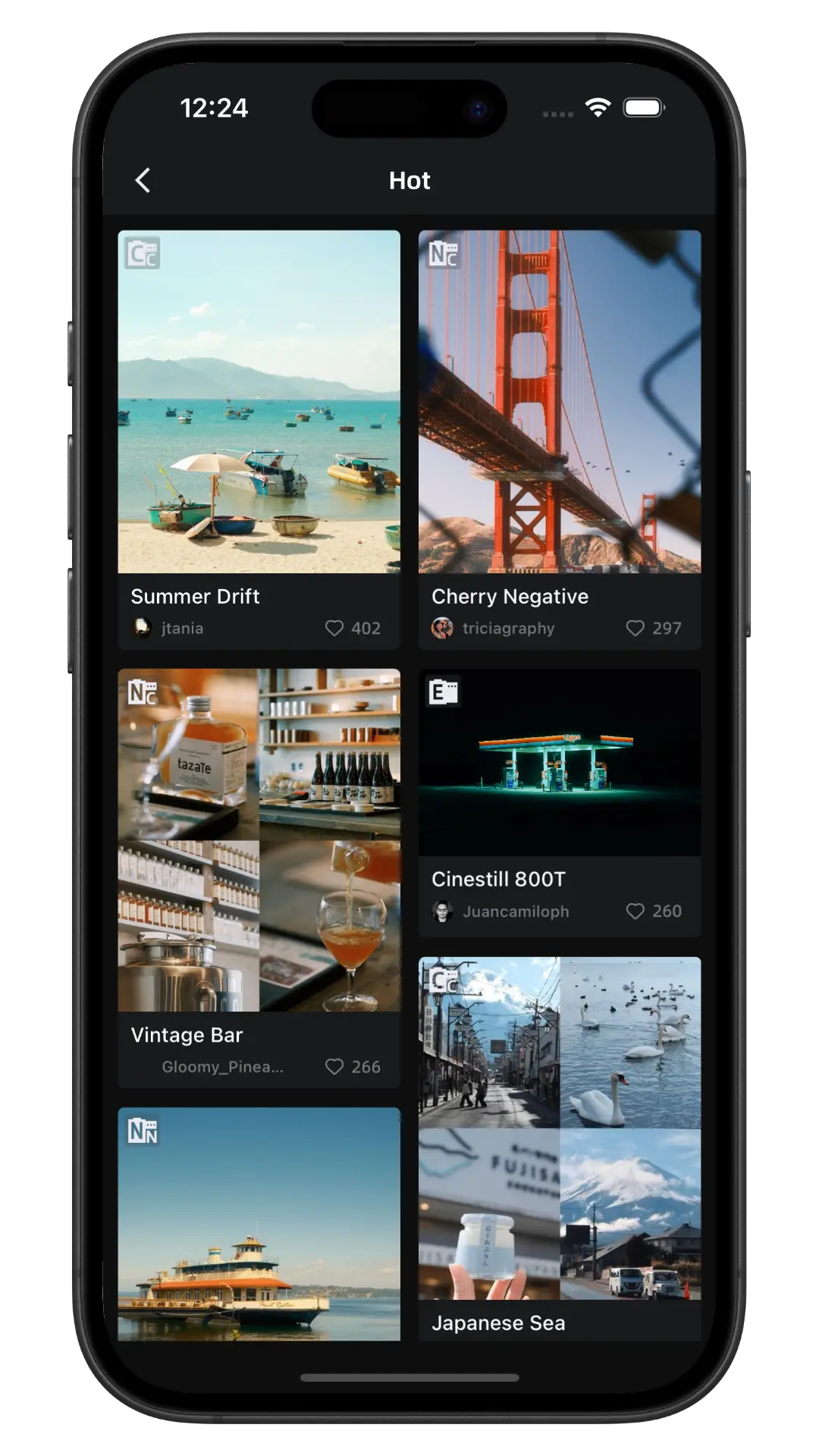
Explore 3,000+ Fujifilm color recipes from the world's largest recipe community with one-tap camera sync
Instantly recognize your fujifilm camera model and import recipes directly to camera settings. Ready to shoot immediately.
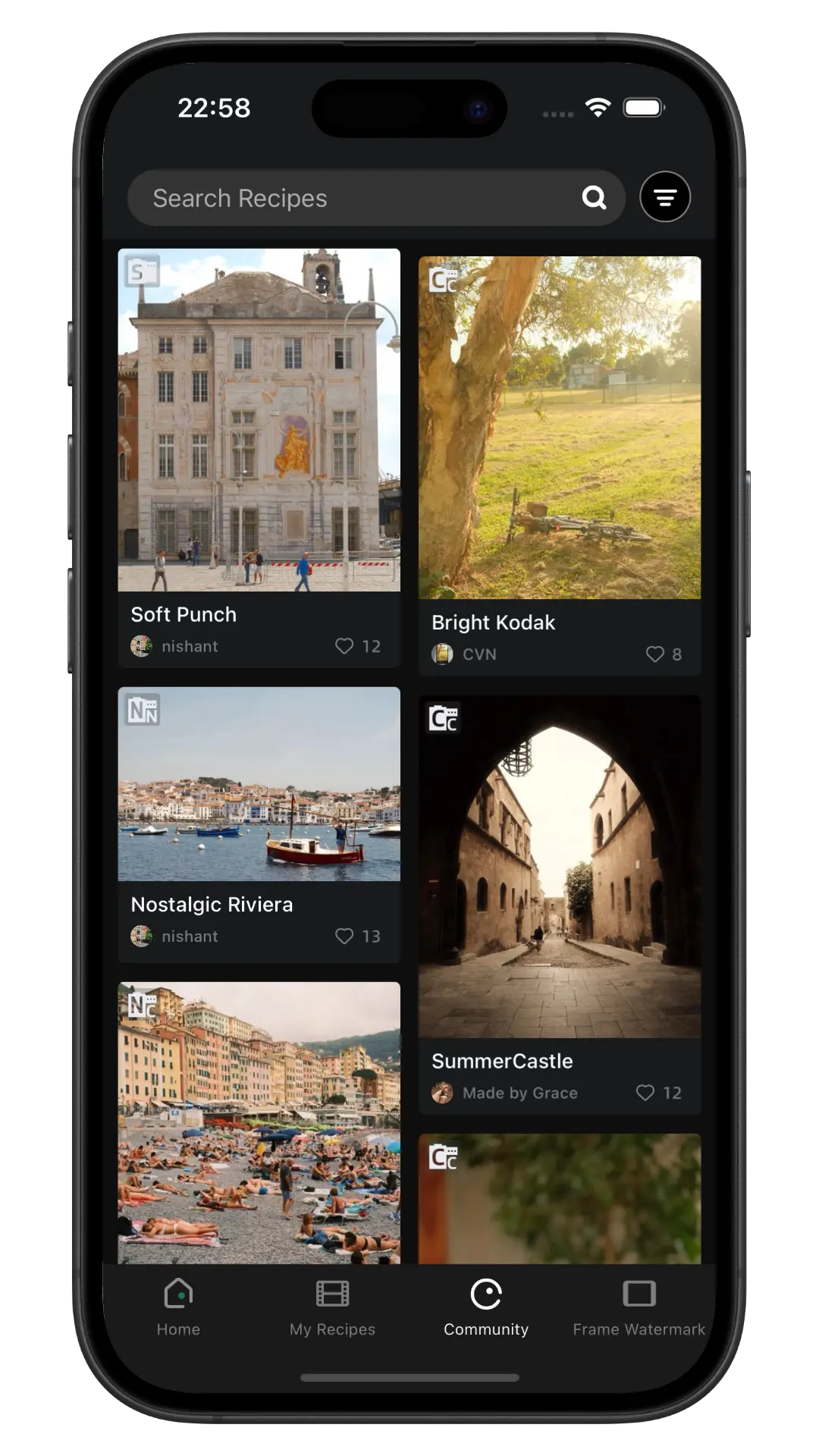
Tap into the creativity of 100K+ photographers worldwide. With 3,000+ color & film simulation recipes sorted by top-rated and latest, your next look is a tap away.
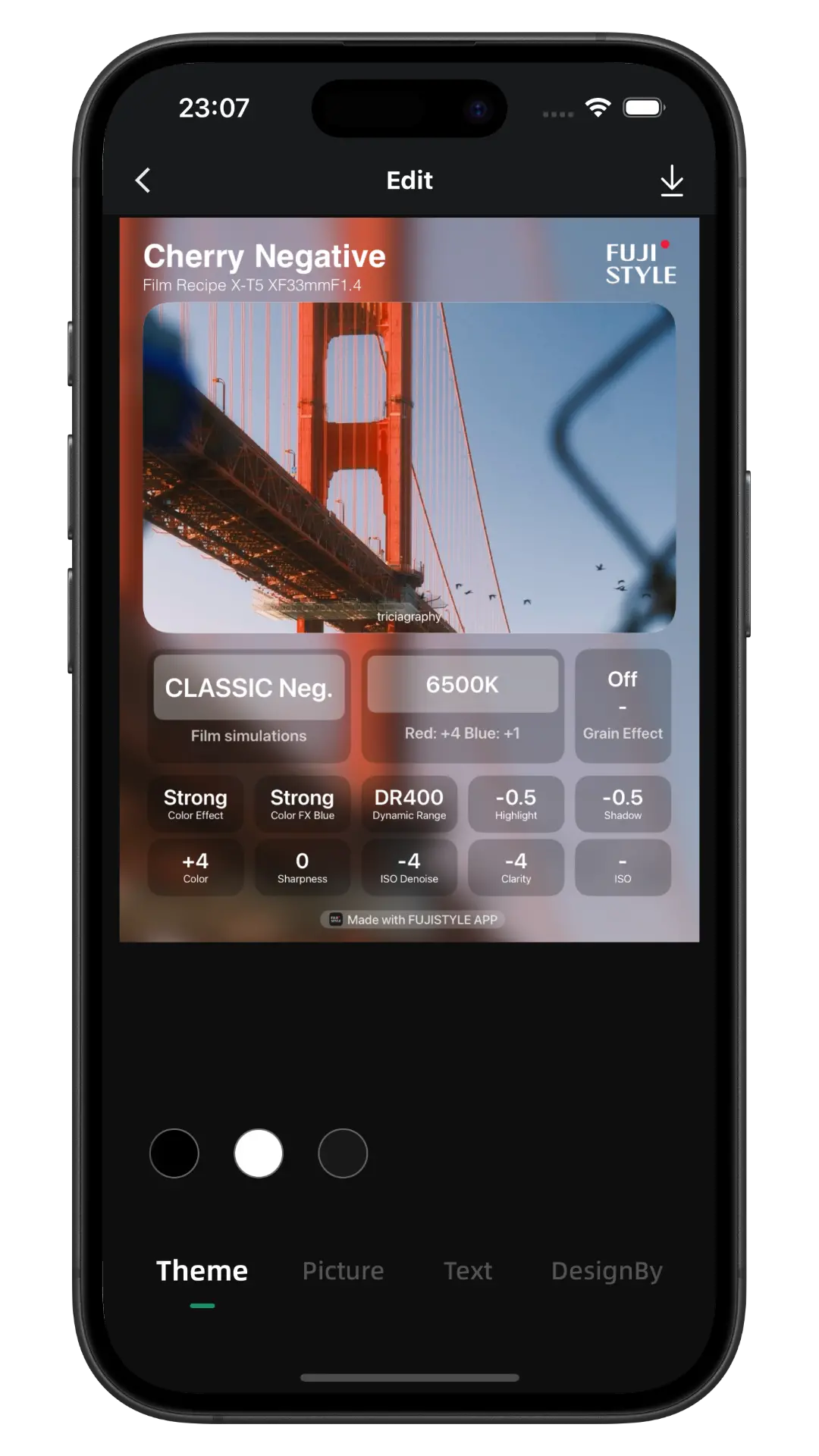
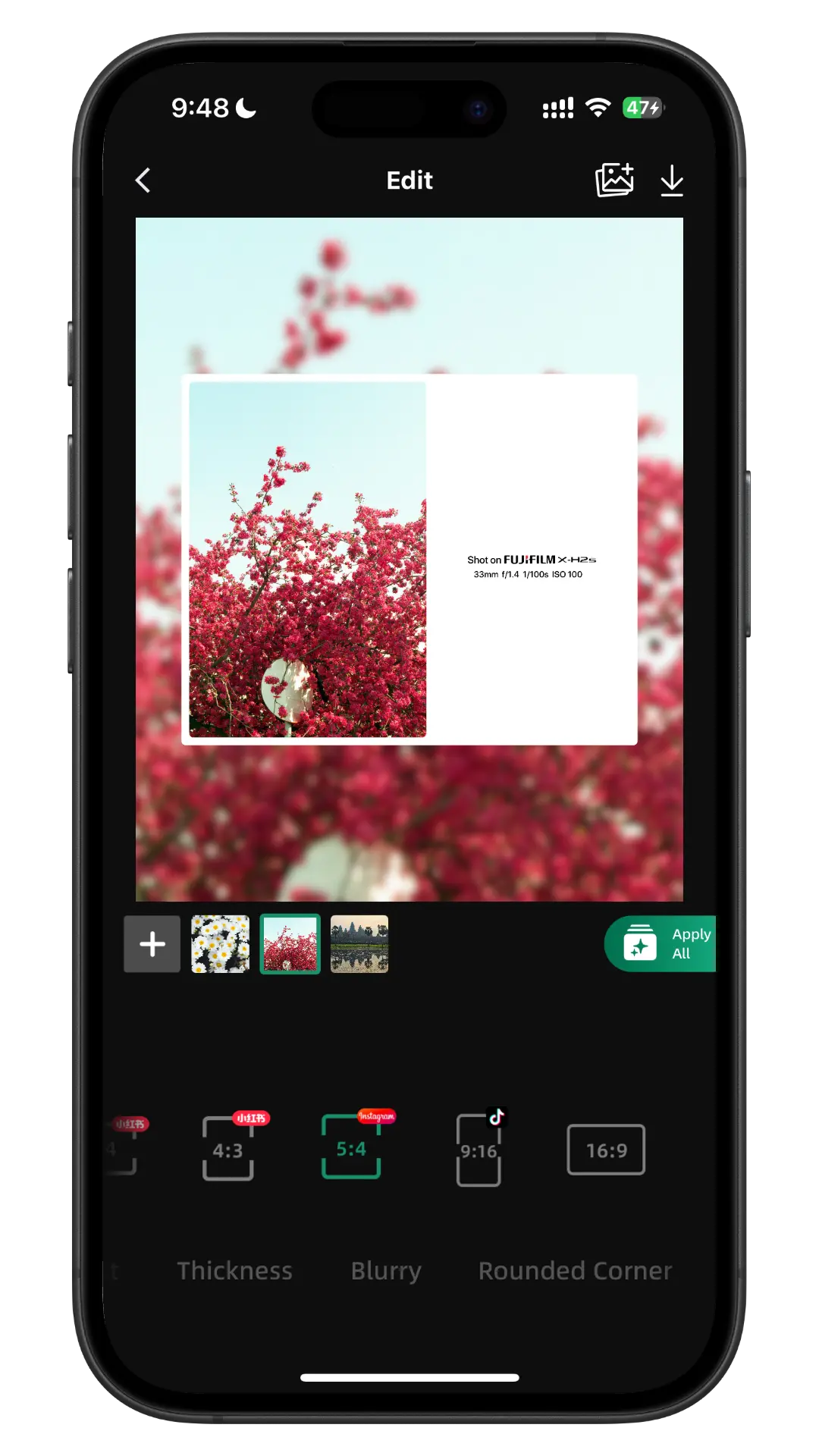
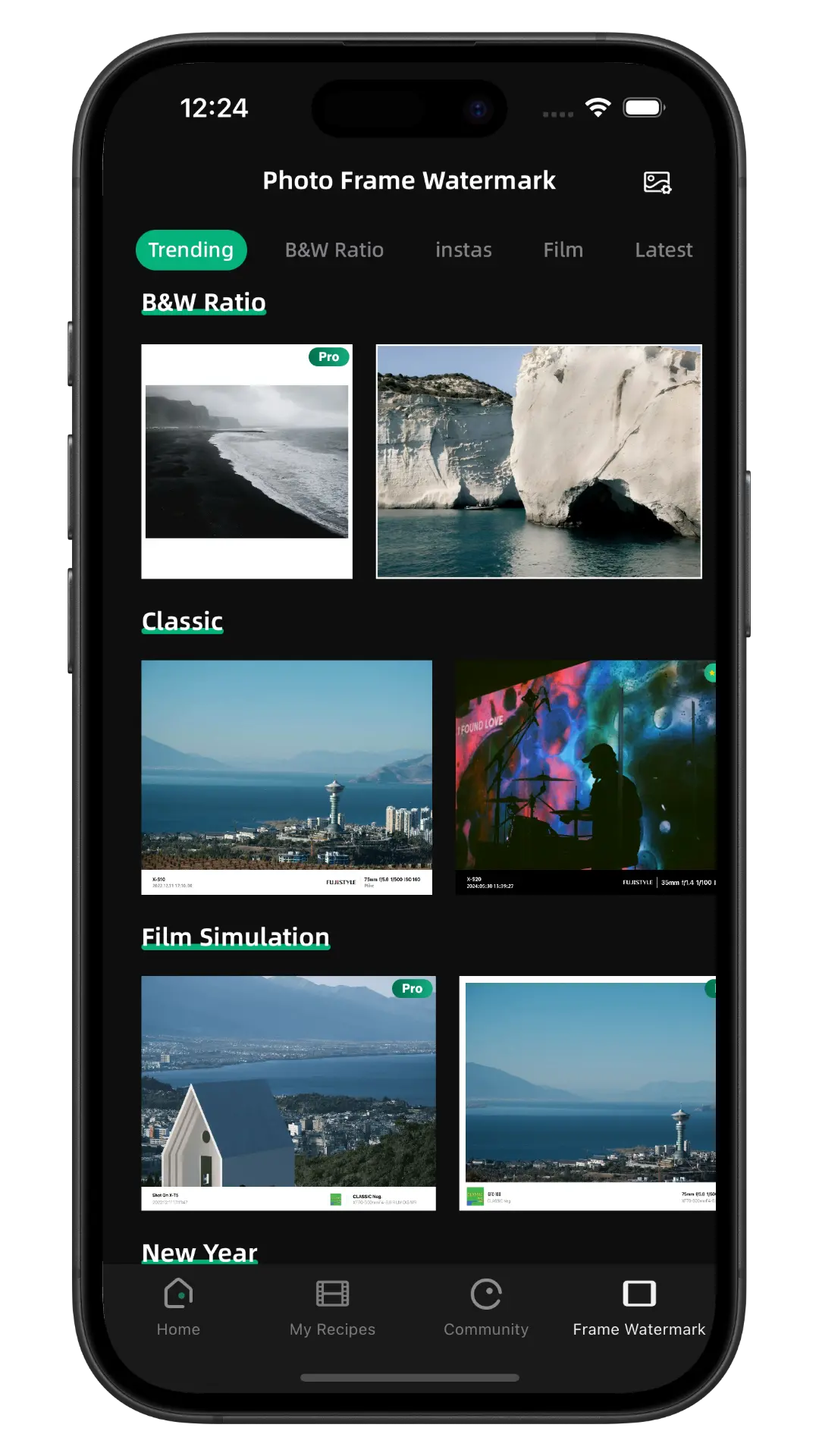
Give your photos the perfect finishing touch. Choose from a curated collection of classic mattes, vintage film borders, and minimalist designs to elevate your images.
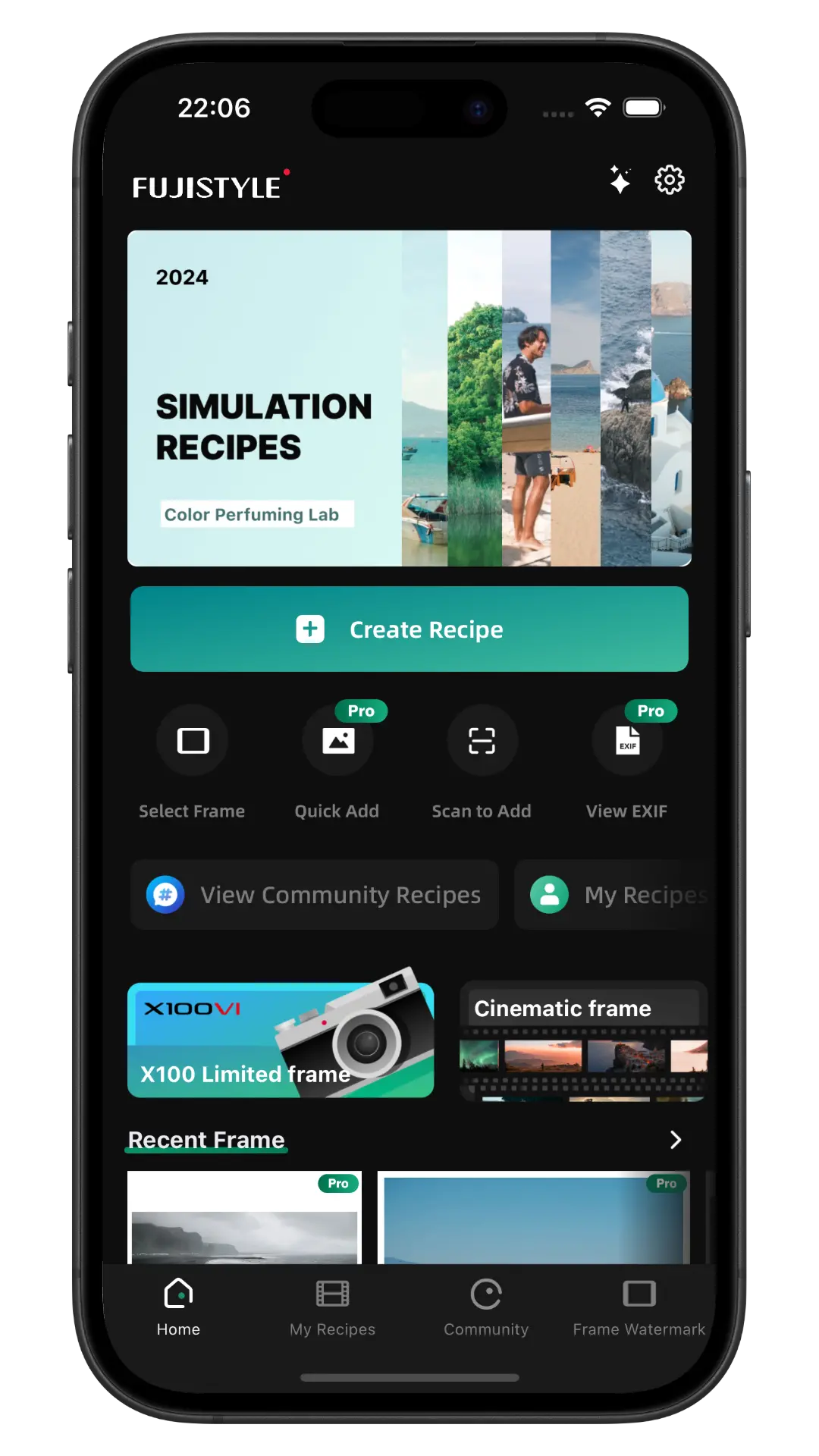
Advanced technology automatically identifies film types and parameters to quickly discover your optimal fujifilm color recipes.
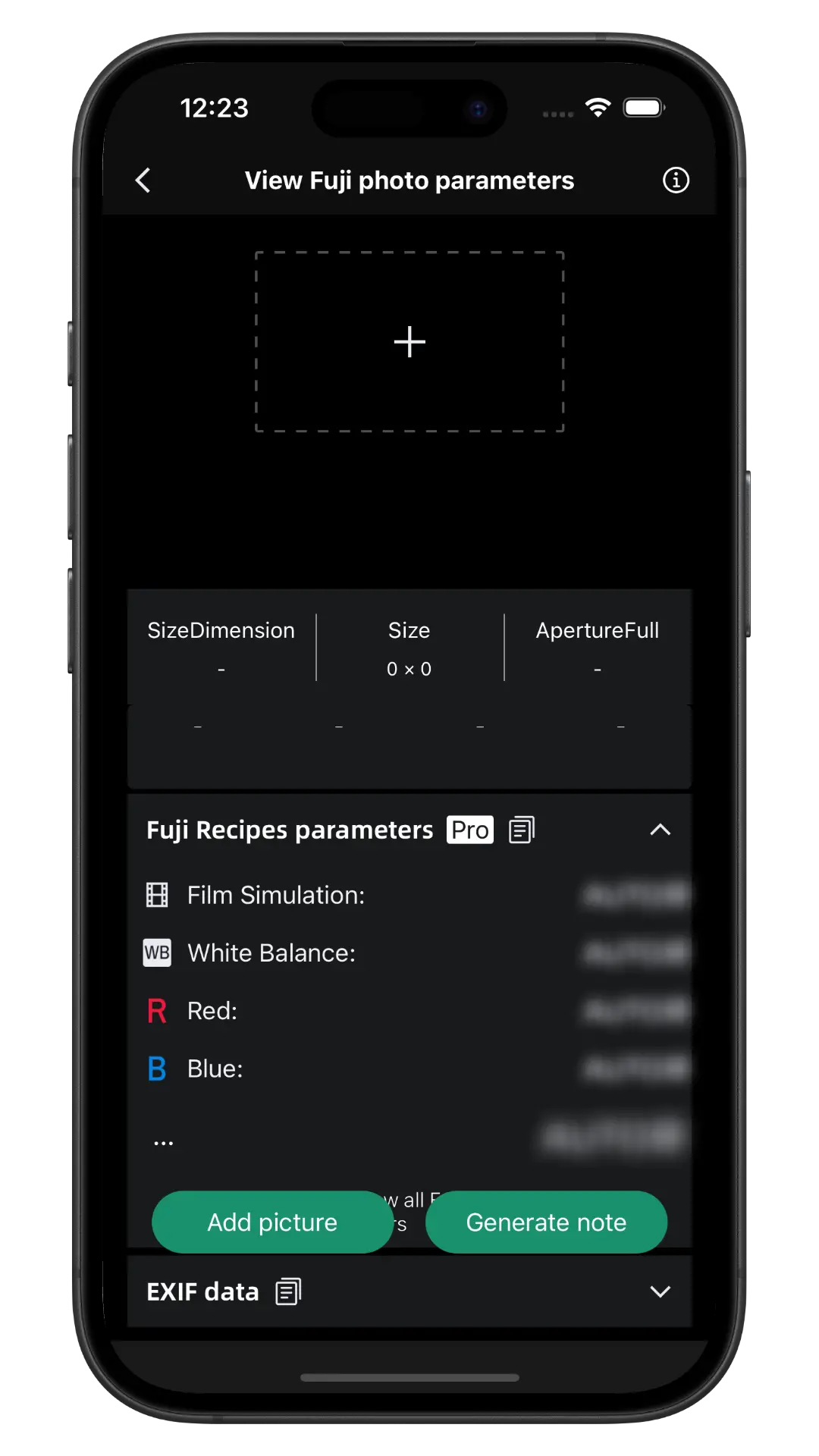
03 / EXIF FRAMES & WATERMARKS
Over 100 curated Fujifilm EXIF frames, film simulation badges, and gallery mattes — automatically reading camera body, lens, shutter, ISO, and film stock metadata for crisp one-tap export.
04 / PHOTOGRAPHER REVIEWS · 4.9★
5-star reviews from photographers and film enthusiasts worldwide, average rating 4.9/5
Ericfrombookclub
New Zealand
Glenxedward
United States
Andy Natt
United Kingdom
PMA2000
United States
Ningenkamisama
United States
Carlos Mdna
Canada
05 / JOURNAL & GUIDES
Stay updated with the latest feature updates and photography tips
Step-by-step setup for writing custom film simulation slots (C1–C7) directly from your phone.
Drop an original Fujifilm JPEG in your browser to reveal its exact Film Simulation, Dynamic Range, and WB Shift.
Compatibility notes across X-Trans IV, X-Trans V, and GFX medium-format bodies.
06 / SUPPORT & FAQ
Everything you need to know about FujiStyle
FujiStyle is a dedicated film simulation recipe app and community for Fujifilm X-Series and GFX photographers. Save, organize, and import film simulation recipes directly into your camera's custom settings slots over Bluetooth or USB, on iPhone and Android. With 3,000+ community and curated color recipes, FujiStyle helps you shoot expressive straight-out-of-camera JPEGs.
FujiStyle writes recipes to 30 Fujifilm X-Series and GFX bodies. Bluetooth wireless import works on 23 of them on iPhone and 22 on Android: X100VI, X100V, X-T5, X-T50, X-T4, X-T30 III, X-T30 II, X-T30, X-T3, X-H2, X-H2S, X-S20, X-S10, X-M5, X-E5, X-E4, X-Pro3, GFX100RF, GFX100 II, GFX100S II, GFX100S and GFX50S II, plus the GFX 50R on iPhone only. USB cable import covers all 30: 22 on iOS and Android, and 8 more on iOS only (X100F, X-T30, X-T3, X-T2, X-T20, X-E3, X-Pro2 and GFX100). Custom slot counts vary by model: C1–C7 on most bodies, C1–C6 on the GFX100, GFX100 II, GFX100S, GFX100S II, GFX50S II and GFX 50S, and C1–C4 on the X-S20, X-S10 and X-M5.
Open any recipe from your collection or the community library in FujiStyle, tap 'Apply Recipe', and choose Wireless (Bluetooth: 23 supported cameras on iPhone, 22 on Android) or USB Cable (iOS and Android). Pick a custom settings slot on your camera, and FujiStyle writes the recipe's settings directly into that slot — no manual parameter entry required.
View detailed tutorialYes. FujiStyle includes a free tier with access to 3,000+ community recipes, recipe cards, EXIF watermarks, photo frames, and 2 free extractions in the web Recipe Reader. A Pro subscription unlocks unlimited recipe storage and cloud sync, unlimited recipe recognition, more frames and EXIF options, and priority support. In the current iPhone app, importing recipes to your camera over Bluetooth or USB is part of Pro.
FujiStyle lets you write recipes directly into your Fujifilm camera's custom settings slots over Bluetooth or USB, on iPhone and Android, instead of typing parameters by hand. It also includes in-camera RAW conversion over USB (Raw Darkroom), EXIF MakerNote recipe reading from original Fujifilm JPEGs, shareable recipe cards, EXIF watermarks, photo frames, and a library of 3,000+ community recipes.
Join the global photographer community and start your film photography journey


01 / COMMUNITY RECIPE ARCHIVE
The world’s largest Fujifilm film simulation recipe community — browse complete in-camera parameters from 100K+ photographers and sync directly to custom slots (C1–C7) on X100VI, X-T5, X-S20, X-H2, GFX and 50+ bodies for straight-out-of-camera JPEGs.
 Classic Chrome
Shared by aliciateddy
 Classic Chrome
Shared by Tira Jariyasakdipong (Tira)
X-M5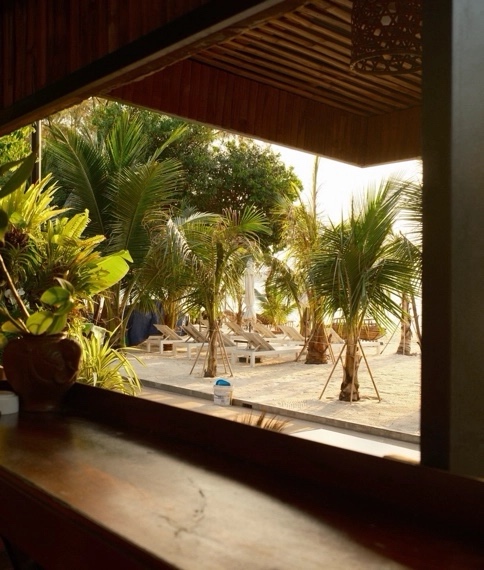 Nostalgic Neg
Shared by Lyhong
X100VI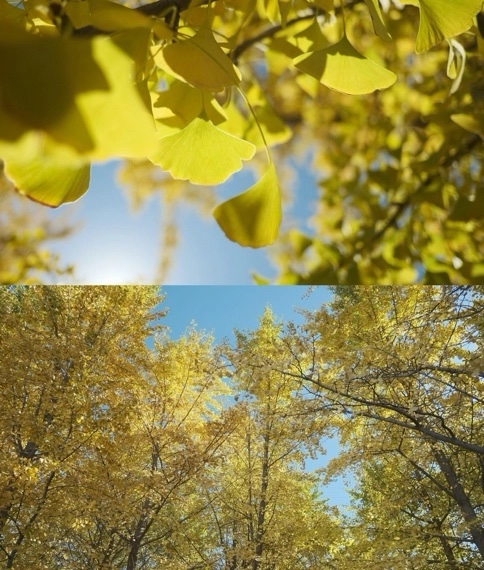 Eterna
Shared by xinxin
X-M5 Classic Neg
Shared by Vũ
X-H2 Classic Neg
Shared by Abhishek
 Classic Neg
Shared by Eray Aydın
X-S20 Classic Chrome
Shared by xinxin
X-T30 III Classic Neg
Shared by ALOSTTRAVELER
X100V Velvia
Shared by Mike
 Classic Chrome
Shared by xinxin
X-S20 Classic Chrome
Shared by shadovisuals
X-H2S05 / JOURNAL & GUIDES
Stay updated with the latest feature updates and photography tips
Step-by-step setup for writing custom film simulation slots (C1–C7) directly from your phone.
Drop an original Fujifilm JPEG in your browser to reveal its exact Film Simulation, Dynamic Range, and WB Shift.
Compatibility notes across X-Trans IV, X-Trans V, and GFX medium-format bodies.